



Official Mobile Access
The official route on a phone is the mobile website, full stop. Play971 itself says it doesn’t have a mobile application at the moment and that the platform is available only through its website, which works on both desktop and mobile. That settles a lot of questions in one go. You don’t need a store account, a download or a special installer. Type the official address into your browser (or open a bookmark you saved from it earlier), and the site loads in a layout made for a smaller screen, with the same account, wallet and games you’d see on a laptop.
This also makes the safety side surprisingly simple. Any link, file or listing that promises a “Play971 app” right now isn’t coming from the operator, however official the logo looks. Third-party guides and forums can be handy for plenty of things, but they’re not the place to take installation instructions from. If something about mobile access ever changes, the official site and the 24/7 support team (live chat or [email protected]) are the two sources worth trusting. Everything else, honestly, is guesswork.
Open the official site in your phone’s browser and save it as a bookmark before doing anything else.
Android Access
On Android, the whole setup comes down to your browser. Chrome is already on most phones, though Samsung Internet or any other up-to-date browser does the job just as well. Open it, go to the official site, sign in or register, and that’s you sorted. There’s no official APK. That point matters on Android in particular, since the system lets you install files from outside the Play Store if you switch on the right setting. Leave that setting alone for this. A Play971 APK passed around in a chat group or on some download page isn’t from the operator, and it could carry anything from annoying ads to software after your passwords.
Once you’re in, the mobile site handles the practical stuff too. Google Pay is one of the deposit options, with a minimum of AED 10, a maximum of AED 50,000 per transaction and processing that’s usually instant. Withdrawals go through your profile menu just like on desktop, and Botim Money is the recommended method if speed matters, as it’s usually instant (in some cases up to 24 hours). Bank cards, Apple Pay and the PayBy wallet are on the list as well, so Android users aren’t missing anything.
Open Chrome on your Android phone and head to the official Play971 site.
iPhone and iOS Access
iPhone owners get the same deal, only through Safari. You won’t find an official Play971 page in the App Store, because there isn’t an app to list, so any listing that turns up under a similar name doesn’t belong to the operator. Just open Safari (Chrome for iOS works too), go to the official site and sign in. The layout adapts to the screen on its own, whether you’re on a compact iPhone or a big Pro Max. Rotating the phone sideways can help with wider tables in the live casino, if you’re into that, though it’s really a matter of taste.
Apple Pay is a nice fit here. It’s one of the deposit methods, from AED 10 up to AED 50,000 per transaction, and usually instant, which suits anyone who already pays for most things with a double-click on the side button. One rule applies on every device, though. The payment method has to be in your own name and match the details you verified your account with, or deposits and withdrawals can get stuck. Keep iOS updated too, since a current Safari tends to load modern sites more smoothly.
Open Safari on your iPhone and load the official Play971 site to get started.

Installation or Home Screen Shortcut
There’s nothing to install in the usual sense. What you can do is add a home screen shortcut, a browser feature that puts an icon next to your other apps and opens the Play971 site straight away. It’s basically a bookmark dressed up as an app. No storage eaten, no permissions to approve, no updates. On an Android phone with Chrome, it takes about ten seconds:
- Open Chrome and load the official Play971 site;
- Tap the three-dot menu in the top-right corner;
- Choose “Add to Home screen”;
- Keep or edit the name, then tap “Add”.
Other Android browsers hide the same option in a slightly different menu, but it’s usually called something very close to that. On an iPhone, the shortcut is made in Safari, and the steps look like this:
- Open Safari and load the official Play971 site;
- Tap the Share button, the square with an arrow pointing up;
- Scroll down and choose “Add to Home Screen”;
- Name the shortcut if you like, then tap “Add”.
That’s it, really. The icon now sits on your home screen and opens the site in one tap, and since it’s tied to the official address, it always loads the real, current version of the platform. One small tip. Create the shortcut only while you’re actually on the official site, not from a link someone sent you, because the icon will happily point wherever it was saved from. If a shortcut ever starts behaving oddly, delete it and make a fresh one.
Add the Play971 shortcut to your home screen today, so the official site is always one tap away.
Mobile Login and Troubleshooting
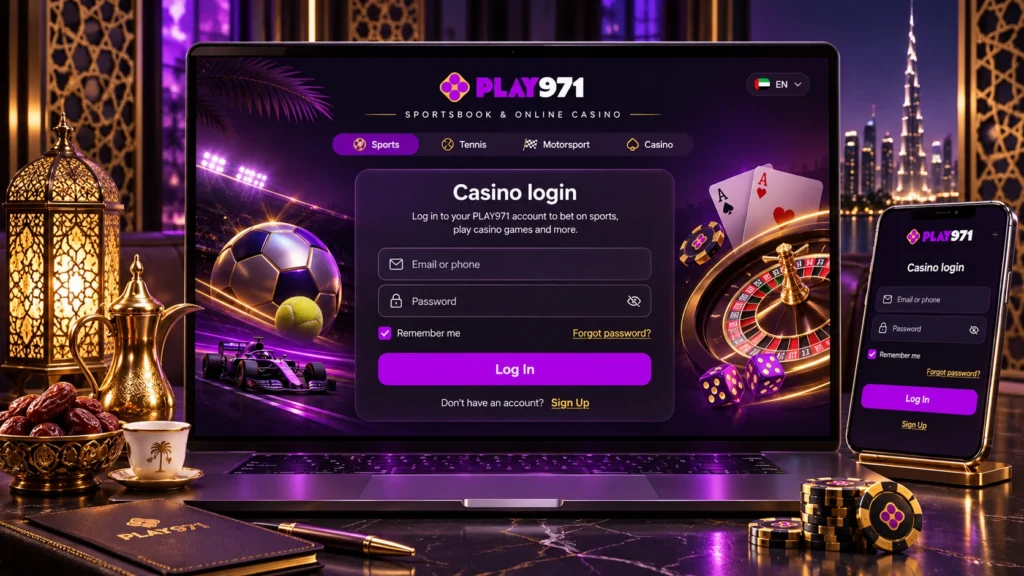
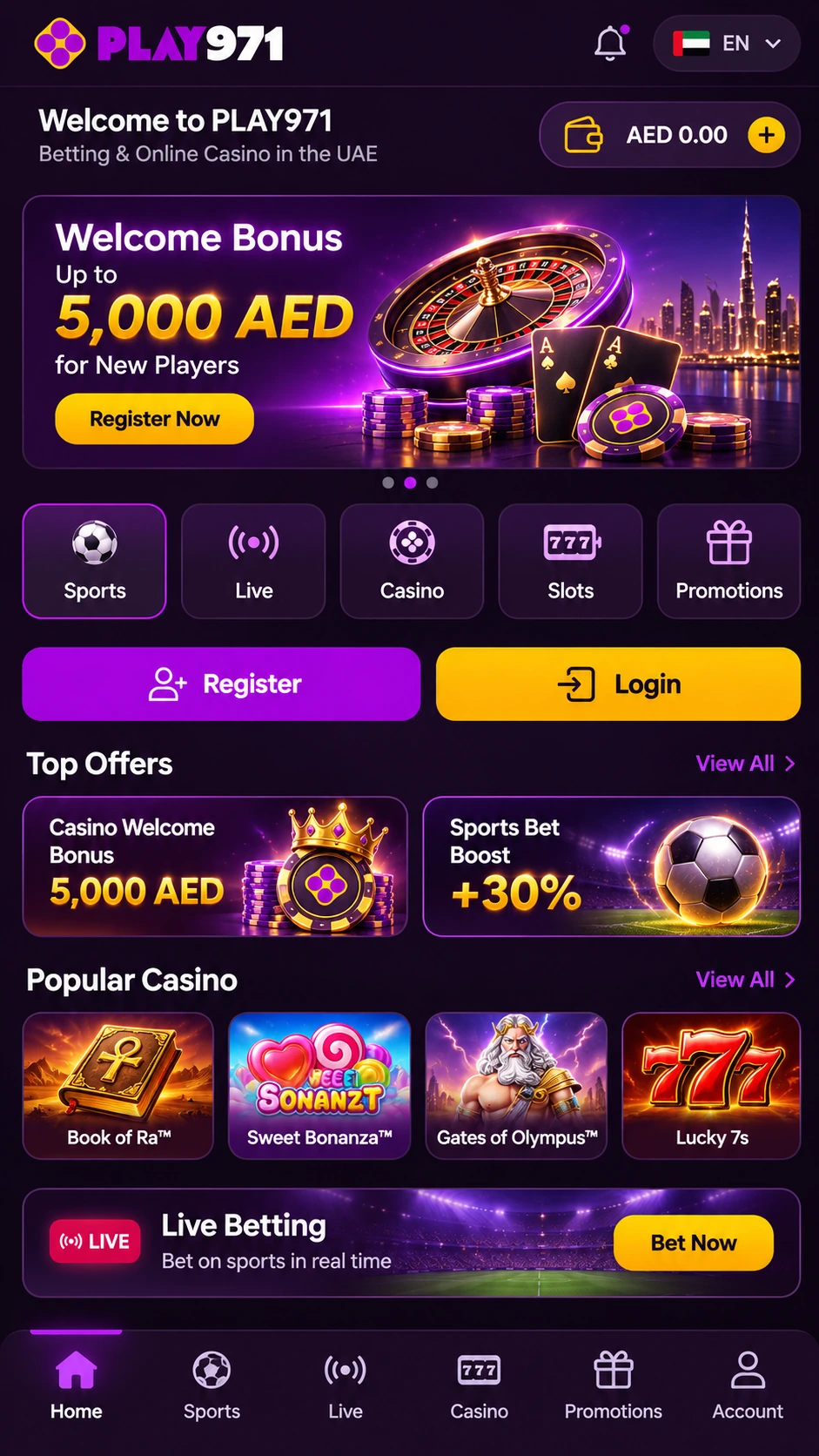
Signing in on a phone works with exactly the same account details you use on a computer. New here? The Register button sits in the top-right corner of the homepage, and after filling in the form and finishing the prompted steps, the account is ready to use on any device. As for updates, there’s no app to update, which is kind of the nice part. The site always loads its latest version, so the only things worth keeping current are your browser and the phone’s operating system. When something does go wrong, it’s usually one of a handful of familiar culprits:
| Problem | Likely cause | What to try |
| Page won’t load or is very slow | Weak signal or a patchy Wi-Fi network | Switch between Wi-Fi and mobile data, then reload |
| Layout looks broken or out of date | Old files stored in the browser cache | Clear the browser cache or open a private tab |
| Logged out without warning | Session ended or cookies were cleared | Sign in again with your usual details |
| Shortcut opens the wrong page | It was saved from an unofficial link | Delete it and re-add it from the official site |
| Can’t sign in at all | Wrong details or an account issue | Contact 24/7 support via live chat or [email protected] |
Most of these take a minute to fix. If none of them helps, the support team is the next stop, and it’s genuinely there around the clock. Phones bring one more thing to think about. Because the site is always in your pocket, it pays to switch on the responsible gaming tools early. Player Controls, at the bottom or side of the page once you’re signed in, offers daily, weekly or monthly deposit limits, a Time-Out from 72 hours to 42 days, and Self-Exclusion starting from 6 months. Play971 also partners with Takalam, a confidential online well-being service, for anyone who feels gaming is starting to weigh on them.
A last friendly heads-up. Check your local laws on online entertainment in your jurisdiction before registering or playing, and remember that no bet or spin is a reliable way to make money.
Sign in on your phone and set a deposit limit in Player Controls before you place your first bet.